

QTc Calculator Bazett method
Correct the QT interval for heart rate. Follow the Bazett calculation.
Your Measurements
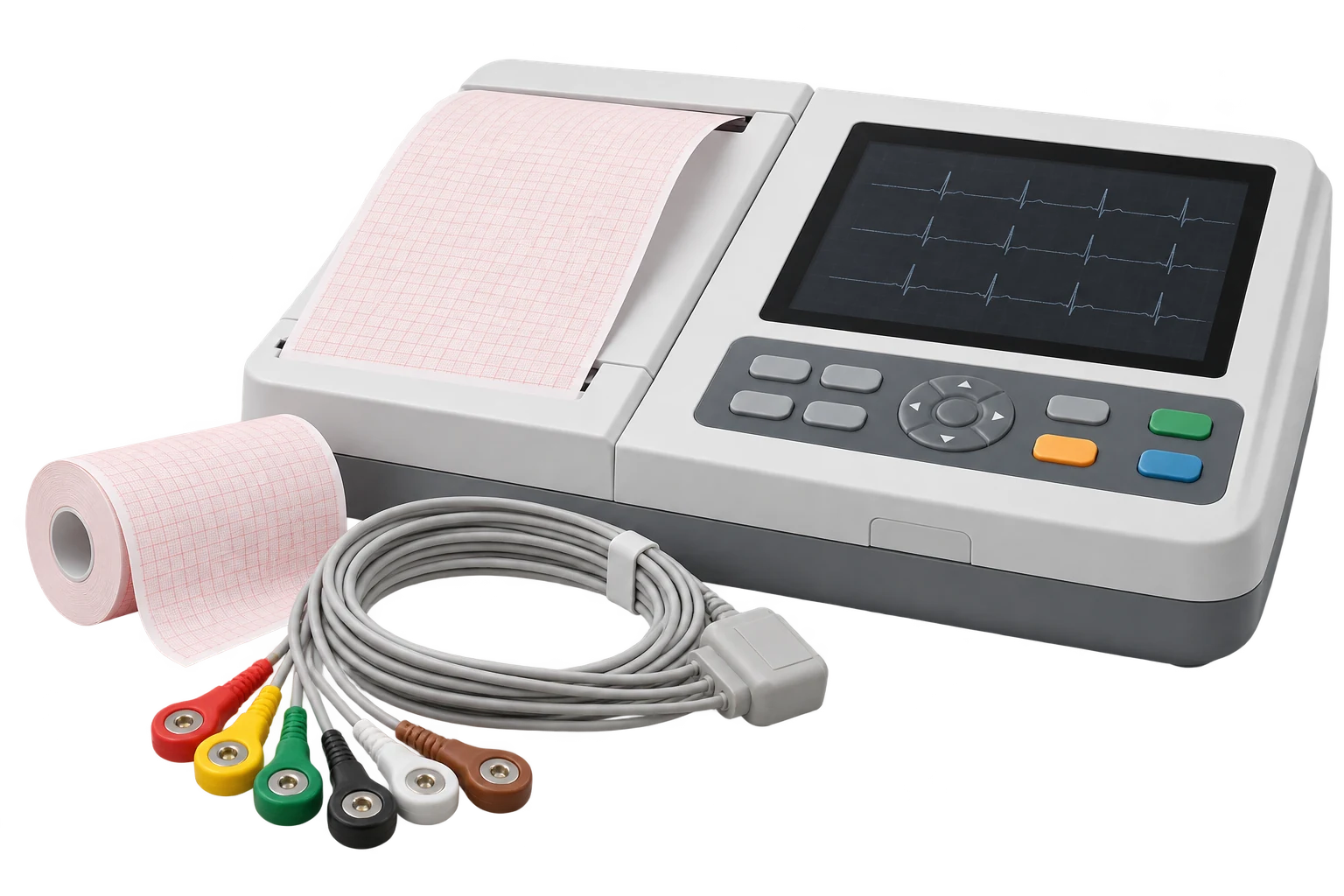
Illustrative equipment — enter your measured values.
What the Inputs Mean
QT interval
Measured time from QRS onset to the end of the T wave.
Heart rate
Used to calculate the R–R interval in seconds.
Use the Right Inputs
- Enter the QT interval in milliseconds (ms).
- Enter the heart rate in beats per minute (bpm).
- The R–R interval is calculated in seconds for Bazett.
- This method is not interchangeable with other QTc formulas.
Your Bazett QTc
Method-based estimate · rounded to 2 decimals.
Follow the Correction
Heart rate → R–R interval
RR = 60 / HR
Apply the square root
Correct the measured QT
QTc = QT / √RR
Full precision is used; intermediate values are shown rounded.
Measured and Corrected
Correction changes the value; these are not clinical reference categories.
ECG recorder used in clinical practice.

Clinician reviewing ECG paper.
Photos are illustrative; the inputs are provided by the user.
A Closer Look at the Measurement
Measure the QT interval
Measure from QRS onset to the end of the T wave on the same lead.
Match the heart rate
Use the heart rate from the same ECG assessment as the QT measurement.

Keep the method explicit
State that QTc was calculated using the Bazett method.
Calculation & Assumptions
Formulas: RR (s) = 60 / HR (bpm). QTc (ms) = QT (ms) / √RR (s).
Assumptions: Bazett method only. QT and heart rate are from the same ECG assessment. No intermediate rounding.
Input limits & precision
Both inputs must be positive and support up to six decimal places. Software limits are QT ≤ 10,000 ms and heart rate ≤ 500 bpm; these are not clinical reference ranges. The result is rounded to two decimals using the unrounded input ratio. RR and its square root are displayed to at most six decimals. Worked formulas retain the exact 60 / HR expression inside the square root. Tiny positive QTc values display as < 0.005 ms instead of zero.
Frequently asked questions
What is QTc?
QTc is a QT interval adjusted for heart rate using a specified mathematical correction. This page uses the Bazett method only; it does not diagnose a condition.
Why is the R–R interval in seconds?
The standard Bazett calculation uses the R–R interval in seconds. This page calculates RR = 60 / heart rate in bpm, then divides the measured QT in milliseconds by the square root of that numerical RR value.
Is Bazett the only correction formula?
No. Other correction formulas exist and can give different results. Bazett can be inaccurate at very fast or slow rates. Keep the correction method explicit when comparing reports.
More questions (5)
What does the QTc calculate?
QTc Calculator (Corrected QT Interval) QTc Calculator (Corrected QT Interval) is a health and wellness calculator that helps you calculate qtc calculator (corrected qt interval) values from your input data. The formula used is: Bazett: QTc = QT ÷ √RR\nFri — free online calculator.
Which values should I enter?
Enter QT interval, Heart rate using the units and format shown beside each field.
What formula does this calculator use?
The calculator uses the following relationship: Bazett: QTc = QT ÷ √RR.
Why might my result differ from another source?
Results can differ because measurement methods, rounding and assumptions vary. This calculator is an estimate and is not a medical diagnosis.
Does the result update automatically?
Yes. Changing an input updates the result using the same calculation engine shown on this page.
Sources & References
BookshelfLong QT SyndromeBackground on QT, QTc and formula limitationsAHA/ACCFQT correction methods and limitationsScientific statement · Clinical context
References provide context, not endorsement.