

Barbell Plate Loading Calculator
Find balanced plates for each side of your barbell.
Your barbell setup
Load selection
Exact when possibleOtherwise round down to an achievable balanced load.
Weight per side
25 kg + 15 kg per side
Your plate combination
| Plate size | Each side | Both sides |
|---|
Same combination on the left and right. Largest plates go nearest the bar’s center.
How is this calculated?
Barbell equipment guide
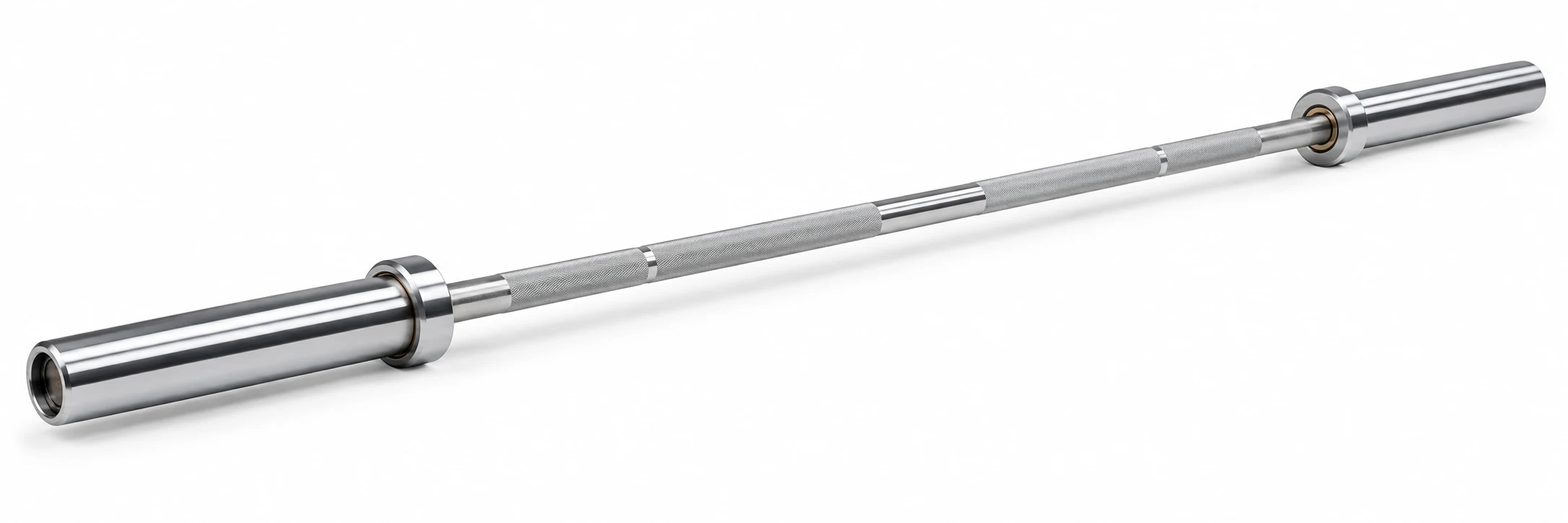
Weigh the bar
Use the actual weight of your barbell (e.g., 20 kg).
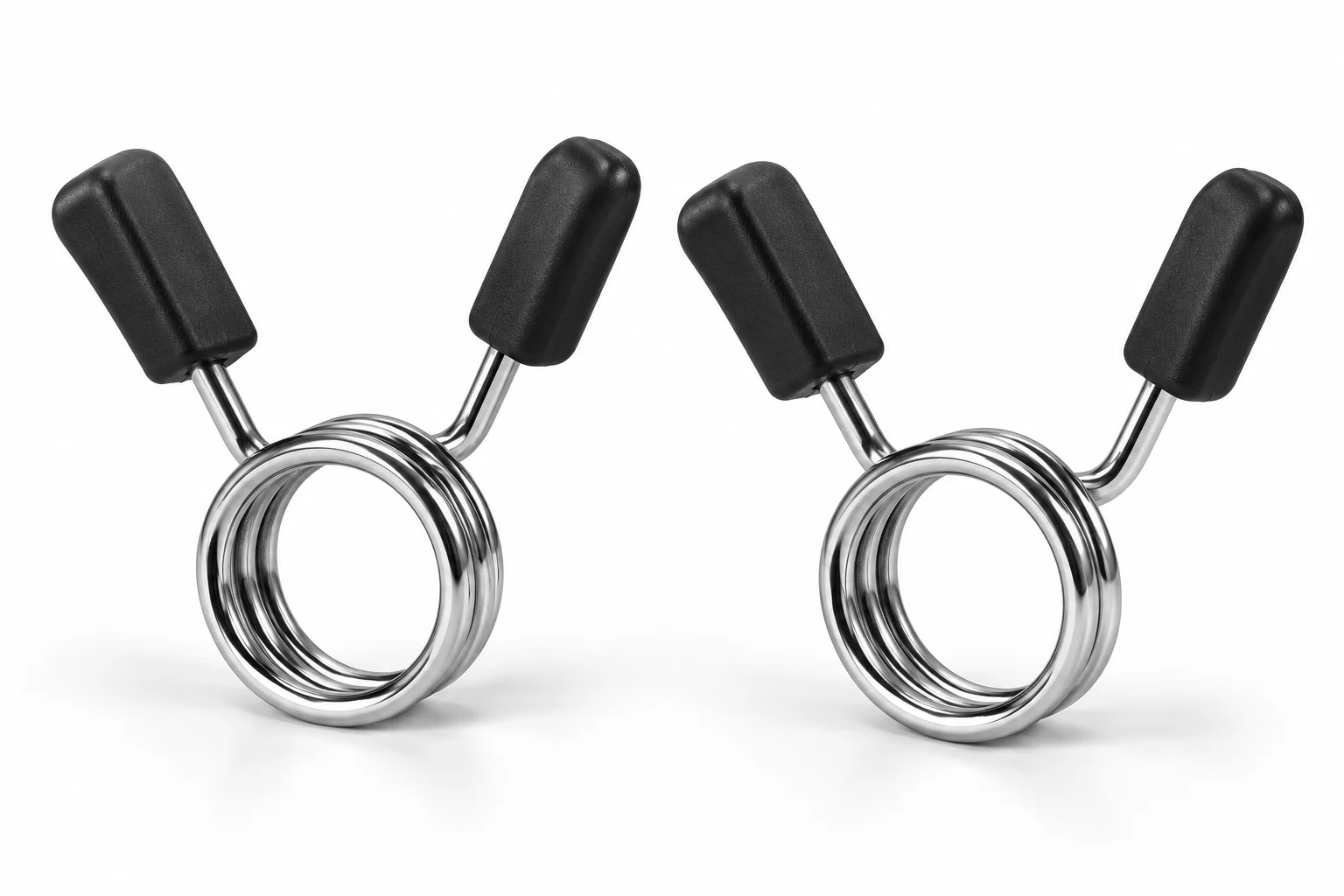
Count both collars
Include the weight of both collars combined.
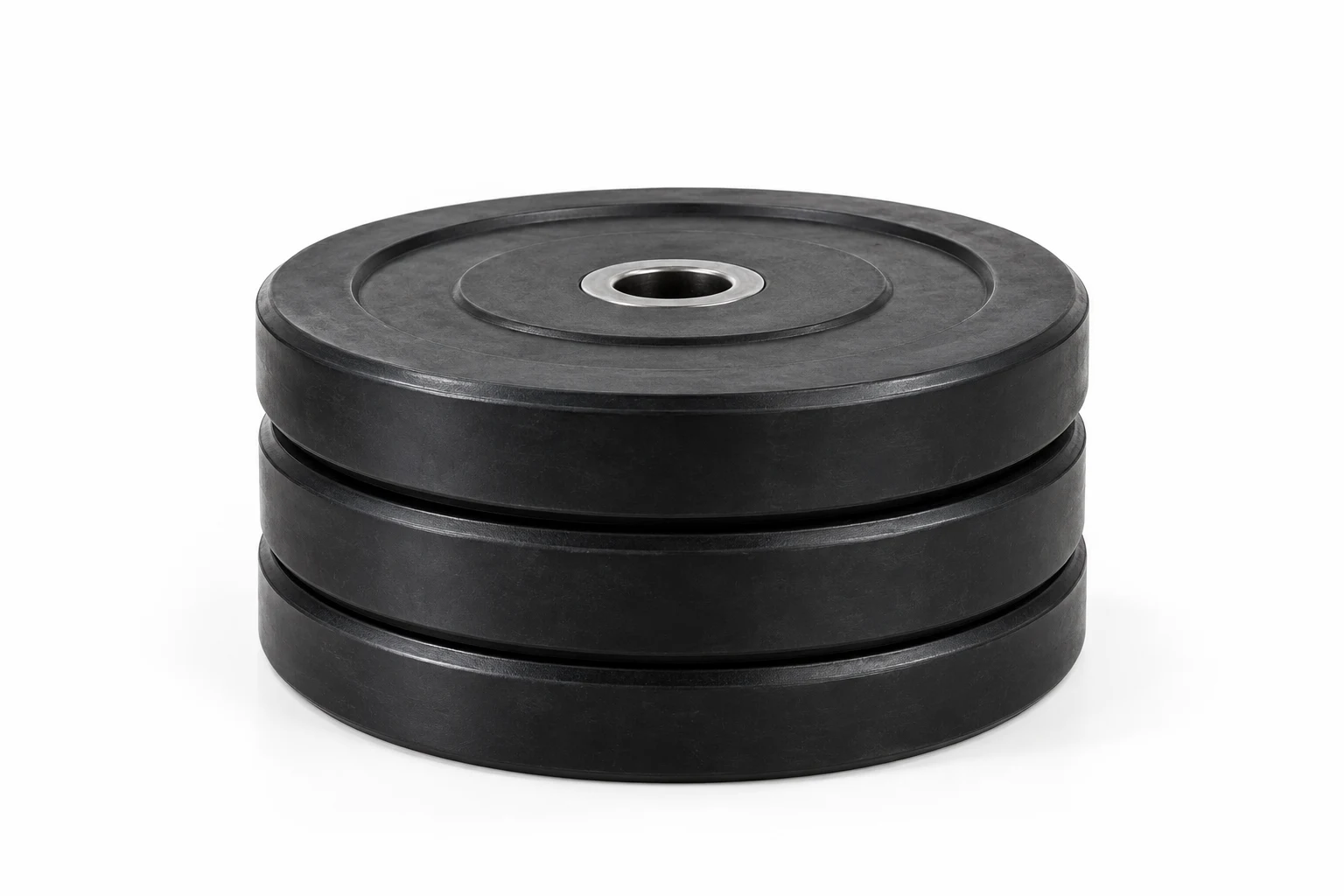
Use matching pairs
Load the same plates on both sides of the bar.
Calculation & assumptions
Weight per side = (Target − Bar − Collars) ÷ 2
Uses selected plate sizes with unlimited matching pairs. Targets below bar plus collars are invalid. No strength or safety assessment is made.
Frequently asked questions
What does this calculator calculate?
It finds equal plate combinations for both sides of the bar. It first selects the largest achievable total at or below the target, then uses the fewest plates for that total. Selected sizes have unlimited matching pairs. This tool does not check your physical inventory or sleeve capacity.
Does the target include the bar?
Yes. The target is the complete load: bar, both collars and every plate on both sides. A target below the bar plus collars is invalid.
How are collars counted?
Enter the combined mass of both collars once. For two collars weighing 2.5 kg each, enter 5 kg. Enter zero only when you intentionally omit collar mass from your arithmetic; zero is not a recommendation to lift without secure collars.
What if the target cannot be loaded exactly?
The calculator selects the highest achievable balanced load below the target, displays that actual total and the shortfall, and labels the result as rounded down. It never deliberately rounds up. If no plates fit, it shows the bar plus collars and zero plates.
Can I use pounds?
Yes. Each input has an independent kg/lb selector with exact conversion 1 lb = 0.45359237 kg. The target selector also chooses the result unit and native plate preset: kg 25, 20, 15, 10, 5, 2.5, 1.25; lb 45, 35, 25, 10, 5, 2.5. Changing that selector restores all sizes in the newly selected preset. Physical plate presets differ, so the chosen combination can change.
More questions (6)
What does the Barbell Plate Loading calculate?
It finds equal plate combinations for both sides of the bar. It first selects the largest achievable total at or below the target, then uses the fewest plates for that total. Selected sizes have unlimited matching pairs. This tool does not check your physical inventory or sleeve capacity.
Which values should I enter?
Enter the complete target weight, actual bar weight and combined weight of both collars. Each field supports kg or lb independently. Select only plate sizes you can supply in matching pairs.
What formula does this calculator use?
Requested weight per side = (target − bar − both collars) ÷ 2, after conversion to a common unit. Actual total = bar + both collars + 2 × the selected plate weight per side.
Why might my result differ from another source?
Check bar and collar weights, units, selected plate sizes and rounding direction. This tool rounds down to a balanced achievable load and minimizes plate count; a largest-first greedy method can use more plates for some selections.
Does the result update automatically?
Yes. Inputs, unit selectors and plate checkboxes update the result, combination table and worked formulas immediately. Invalid inputs clear the outputs and disable exports.
What input limits does the software use?
Target must be positive and no more than 2000 kg equivalent; bar must be positive and no more than 200 kg equivalent; combined collars must be 0–100 kg equivalent. These are software limits, not recommended lifting weights. No strength or equipment safety assessment is made.
Sources & References
 Equipment specificationsInternational Powerlifting Federation equipment specifications.
 Mass conversion referenceNational Institute of Standards and Technology mass conversion information.
References provide context, not endorsement. Bar and collars are entered separately; no competition compliance is implied.
Page information
Updated: October 27, 2026