

Waist Height Ratio Calculator
Calculate your waist-to-height ratio and see how it compares with adult reference bands.
Your measurements
Measurement checklist
Use centimetres for both measurements, or inches for both.
Place the tape snugly but not tight, and keep it level.
Take the measurement at the end of a normal breath out.
Waist-to-height ratio
Waist ÷ height
Unrounded ratio: 0.441176
Adult reference bands (BMI below 35)
Screening context only; not a diagnosis.
How is this calculated?
Measure consistently

Waist measurement
Measure midway between your lowest rib and the top of your hips.
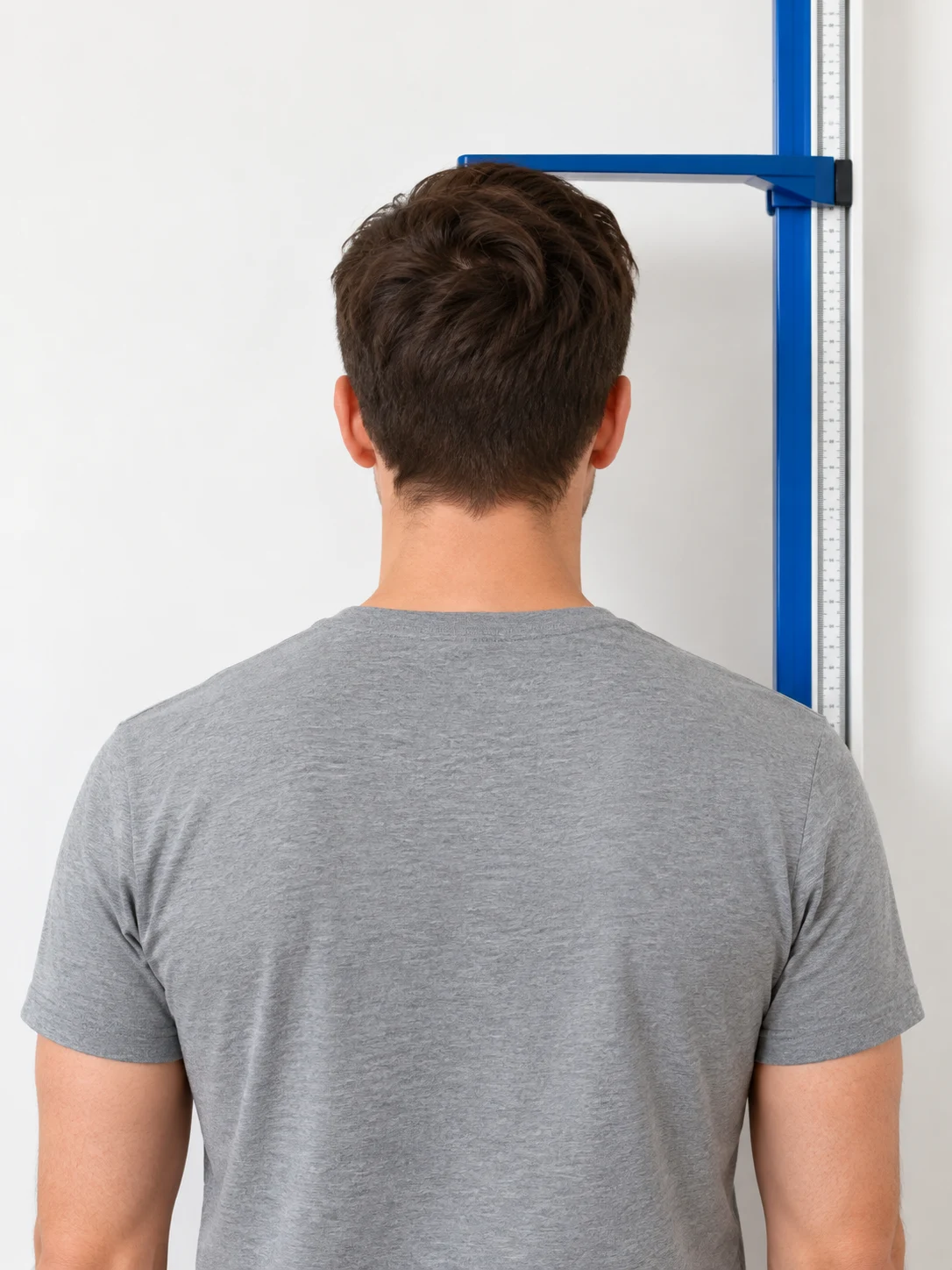
Height measurement
Stand upright without shoes with your back against a wall or stadiometer.
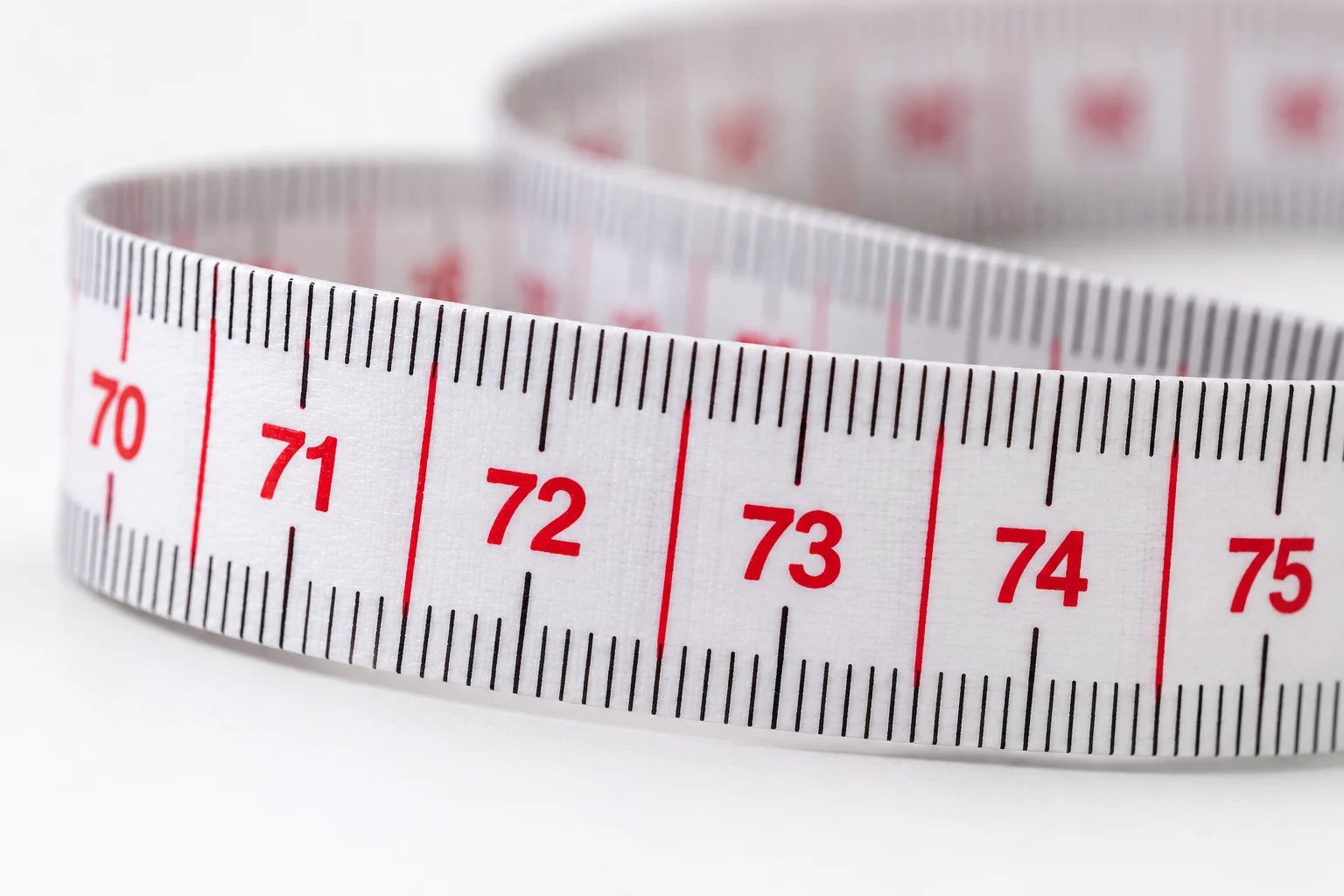
Matching units
Use centimetres for both measurements, or inches for both.
Calculation & assumptions
The waist-to-height ratio (WHtR) is calculated as:
WHtR = waist circumference ÷ height
This tool is for adults. It is a simple screening measure and should be interpreted in clinical context. It is not suitable for pregnancy, eating disorders, or conditions that affect height, and it does not estimate body fat percentage.
Frequently asked questions
What does the Waist Height Ratio calculate?
It divides waist circumference by height in matching units. It is a measure used to assess central adiposity alongside other information; it does not estimate body fat percentage or diagnose disease.
Which values should I enter?
Enter waist circumference and standing height. Choose centimetres or inches separately for each input; the calculator converts both to centimetres internally. Measure your waist midway between the lowest rib and the top of your hips, with the tape horizontal, after breathing out naturally.
What formula does this calculator use?
WHtR = waist circumference ÷ height, with both measurements in the same unit. Inches are converted using 1 inch = 2.54 centimetres. The half-height comparison is height × 0.5.
Why might my result differ from another source?
Check measurement technique, units and rounding. The main ratio is rounded to two decimal places, while reference-band selection uses the unrounded ratio. Display rounding can make a value just below a boundary look equal to it.
Does the result update automatically?
Yes. Editing either measurement or changing its unit updates the result, reference indicator and worked solution immediately. Invalid values clear the result and disable exports.
More questions (5)
Who do the reference bands apply to?
The adult reference bands shown here follow NICE guidance for people with BMI below 35 kg/m². This page does not ask for weight or check your BMI, so it cannot confirm whether that scope applies to you. Use the ratio alongside BMI and appropriate clinical context.
What do the reference bands mean?
For the indicated adult population, NICE describes ratios from 0.4 to below 0.5 as healthy central adiposity, 0.5 to below 0.6 as increased central adiposity, and 0.6 or above as high central adiposity. A result below 0.4 is outside these displayed bands and is not automatically classified as healthy.
Can I use the reference bands during pregnancy or for children?
This page is designed for adults. Do not use its adult interpretation during pregnancy, with an eating disorder or suspected eating disorder, or with a growth disorder or another condition affecting height. Children need age-appropriate assessment and guidance.
Can rounding change the reference band?
No. Band selection uses the full calculation, not the rounded two-decimal headline. A ratio of 0.4999 displays as 0.50 but remains below 0.5; the detailed result and indicator show that distinction.
What limits does this software accept?
This adult-focused interface accepts waist measurements from 30 to 300 cm and heights from 100 to 250 cm, or their exact inch equivalents. These are software input bounds, not clinical reference ranges. Values outside the bounds do not produce an estimate.
Sources & References
 NICEGuidance on using waist circumference and WHtR in cardiovascular risk assessment.
 NHSInformation on waist-to-height ratio and healthy waist measurements in adults.
 British Heart FoundationEvidence on waist circumference and cardiometabolic risk.
References provide context, not endorsement. No institutional certification or review is claimed.
Page information
Updated: October 27, 2026