

Albumin/Globulin (A/G) Ratio Calculator
Calculate the ratio of albumin to globulin from your laboratory values.
Choose the route that matches the values on your report.
Your protein results
Before you calculate
Albumin must be less than total protein.
A zero or negative calculated globulin cannot be used as the denominator.
Albumin/globulin ratio
Albumin 4.2 ÷ globulin 2.8
Protein fractions
How is this calculated?
Equipment guide
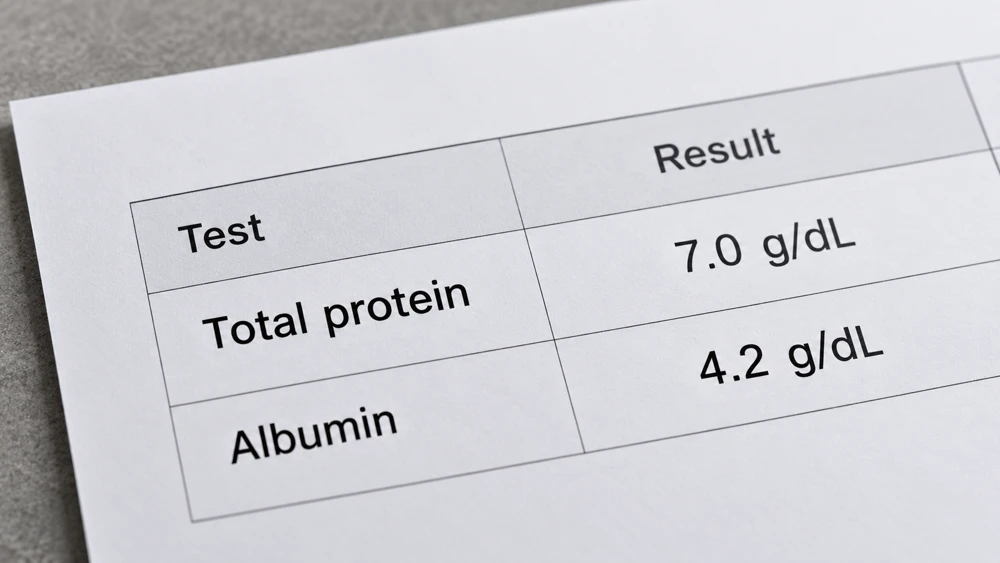
Read both values
Use albumin and total protein, or albumin and globulin.
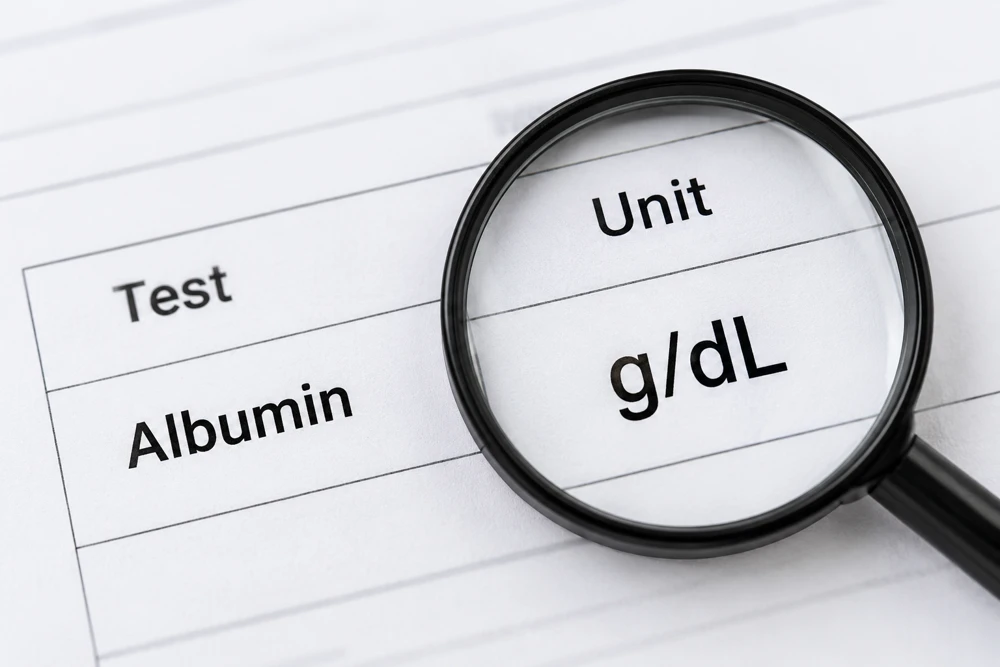
Match the units
Both concentrations must use g/dL or both g/L.
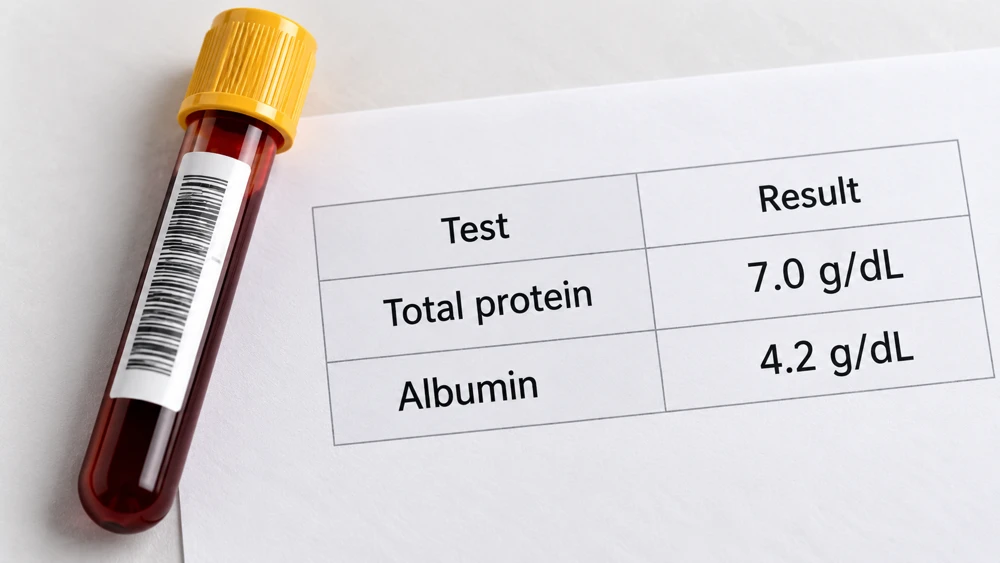
Use the same sample
Avoid combining results from different sampling dates.
Calculation & assumptions
Globulin = Total protein − Albumin
A/G ratio = Albumin ÷ Globulin
Both inputs use the same concentration unit. The ratio has no unit and is unchanged by a consistent unit conversion.
Frequently asked questions
What does this calculator calculate?
It calculates the albumin-to-globulin ratio from either total protein plus albumin, or known albumin plus globulin. All concentrations must use the same unit and relate to the same sample. The ratio is dimensionless.
How is globulin calculated?
In total-protein mode, globulin is calculated as total protein minus albumin. In known-fractions mode, the entered globulin is used directly and total protein is calculated as albumin plus globulin.
Why must total protein exceed albumin?
Albumin is one component of total protein. Subtracting an equal or higher albumin value would give zero or negative globulin. A/G calculation requires a positive globulin denominator. Check values and units if this happens.
Does changing units change the ratio?
No. Converting both concentrations consistently between g/dL and g/L scales them by the same factor of ten, so their ratio is unchanged. Both input fields use the single selected unit.
Can this diagnose a condition?
No. The arithmetic and protein fractions do not determine whether a result is normal or diagnose a condition. Use your laboratory reference interval and discuss interpretation in clinical context.
More questions (5)
What does the Albumin/Globulin (A/G) Ratio calculate?
It divides albumin by globulin. With total protein 7 g/dL and albumin 4.2 g/dL, calculated globulin is 2.8 g/dL and the A/G ratio is 1.50 to 1.
Which values should I enter?
Choose total protein and albumin, or known albumin and globulin, from the same sample. Use g/dL for both or g/L for both. Albumin may be zero for mathematical conversion, but globulin and total protein must be positive. Software bounds are 0–1,000,000,000 g/L equivalent for concentrations, with positive values at least 0.000000001 g/L, up to 80 significant digits, at most 12 decimal places in g/L equivalent and a supported decimal exponent. These are software limits, not clinical ranges.
What formula does this calculator use?
Globulin = total protein − albumin; A/G ratio = albumin ÷ globulin. Known-fractions mode uses entered globulin directly and total protein = albumin + globulin. Percentages show each fraction of that total.
Why might my result differ from another source?
Check that both values use matching units, come from the same sample and have not been rounded differently. Laboratory methods and reports may differ. The composition bar describes the entered protein fractions and is not a clinical reference range.
Does the result update automatically?
Yes. Active inputs, unit changes and mode changes update the result, composition and worked formulas immediately. Switching units preserves the concentrations. Switching a valid calculation route carries the equivalent calculated fraction or total into the other route. Invalid active inputs clear results and disable exports; both mode cards remain visible.
Sources & References
 NHS · Calculated globulinGlobulin = total protein − albumin.
 MedlinePlus · A/G ratioContext for serum protein test results.
References provide context, not endorsement.
Page information
Updated: October 27, 2026